
Closed for the night — we keep watching
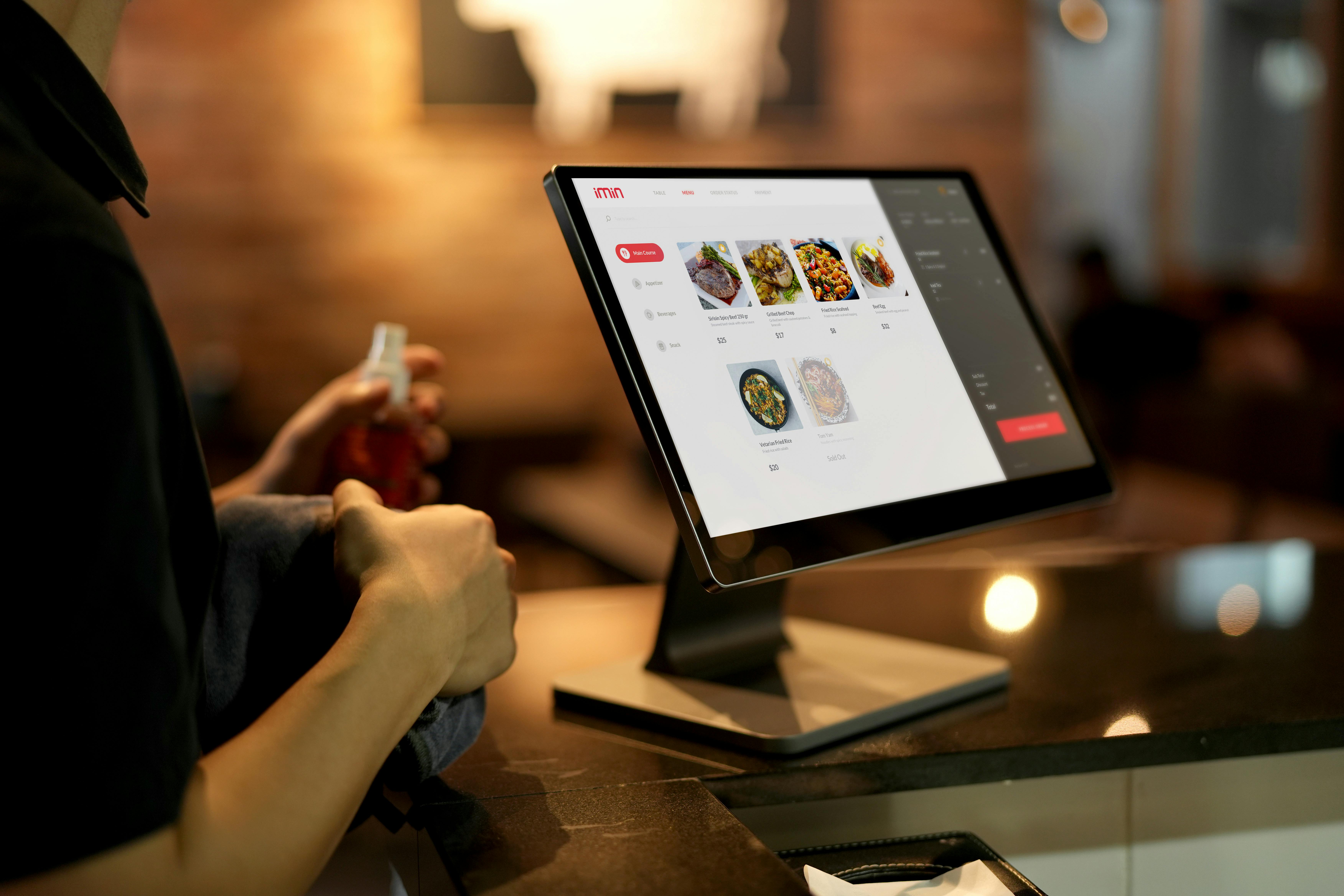
The ordering flow running while you sleep
We believe an informed client makes a better decision — for both of us. These are the real questions that come up on every intake call from restaurant owners and e-commerce brands, answered as completely and honestly as we can.
It means someone is actively monitoring your ordering system or online store during the hours your team is offline — typically 10pm to 7am, customized to your schedule. When an alert fires, it routes to us, not to your personal phone. We assess it, run through the triage playbook we built for your specific platform, and either fix it directly or escalate with a complete brief before morning.
Every morning before 8am, you get a status report. Green night — one line. Something happened — full timeline of what broke, when, what we did, and what the current status is. Whether you're opening a restaurant or checking your Shopify dashboard — you start your day knowing.
Monitoring tools detect and alert. They don't respond. If an alert fires at 2am and everyone on the notification list is asleep, you have a running outage until morning. Meridian is the person who receives that alert and acts on it during your overnight window.
We also work with whatever monitoring you already have — we configure it to route overnight alerts to us, or set up additional monitoring during onboarding. But more importantly, standard uptime tools only check whether a URL responds. For ordering systems and e-commerce stores, a page can be "up" while checkout is completely broken. We monitor the functional flow, not just the URL.
No. You're paying for the coverage window: active monitoring, overnight readiness, documented response infrastructure, and the morning report. Insurance you don't use isn't money wasted — it's working exactly as intended.
In practice, most businesses we monitor do have overnight events — alerts handled before the morning report goes out. A quiet inbox doesn't mean nothing happened. It means nothing needed your attention.
Designed to be read in under two minutes. It leads with overall status — green or incident. From there:
Reports arrive via email before 8am local time. Slack delivery available if preferred.
Toast has platform support, but it operates on a ticket basis and is focused on their own system — not your third-party integrations, your website, or your checkout flow's interaction with other apps you've connected. They're also not watching your specific restaurant overnight.
Meridian covers what Toast support doesn't: the overnight window, the integration layer between Toast and everything else, and the functional ordering experience. We also watch the Toast status page and know about platform-level outages before your customers do.
Yes. Square Online is a primary coverage platform. We monitor the ordering flow, the payment step, and the Square integration layer overnight. Square Payments has its own credential rotation and update schedule — when those push overnight and something breaks, we're on it within 15 minutes.
We also watch the Square status page. When Square itself has a platform-level outage, we know before you do and we document the timeline so your team isn't starting from scratch in the morning.
We see the same categories repeatedly across Toast, Square, Shopify, and WooCommerce:
Most of these have documented fixes. The value of overnight coverage is that someone runs those fixes at 2am instead of 8am.
Shopify provides platform infrastructure and their own support for platform-level issues. They don't watch your specific store overnight, they don't monitor your checkout flow functionally, and they don't cover the layer between Shopify and the third-party apps you've installed.
When a Shopify app update breaks your cart at midnight, Shopify support doesn't call you. When your Stripe integration fails because of a credential rotation, Shopify isn't diagnosing it. That's the gap Meridian fills — the overnight window, your specific app stack, and the functional checkout flow that standard monitoring misses.
Divide your average monthly revenue by 720 (hours in a month) to get your hourly revenue rate. Multiply by 6 — the average length of an undetected overnight checkout failure. That's your exposure per incident.
For a store doing $100K/month: roughly $139/hour, or about $833 for a single 6-hour overnight outage. Meridian Commerce is $600/month. One prevented incident per month and you're ahead. For stores at $500K/month, a single overnight checkout failure is a $4,000+ event. The math is decisive.
Beyond the direct revenue math: stores at this volume have repeat customers and brand equity. A customer who can't check out at 1am on a Saturday doesn't come back — they go to a competitor. The lifetime value loss is harder to calculate but real.
This is one of the most natural setups for Meridian. Your developer handles daytime work — builds, updates, improvements. We cover the overnight window they're not staffed for. The two roles don't overlap.
When something breaks overnight that needs your developer, they receive a complete incident brief from us — what broke, when, what we tried, what the likely fix is. They walk in with a diagnosis, not a cold alert. Most Shopify developers working with clients on Meridian say our escalations are significantly more actionable than what they used to receive at 7am with no context.
Yes, and WooCommerce is arguably the platform that benefits most from overnight coverage. WordPress auto-updates, plugin updates, and hosting environment changes create a frequent and unpredictable failure environment overnight. WooCommerce stores also tend to have more moving parts — payment gateways, shipping plugins, subscription tools — than Shopify stores, which means more surface area for things to break.
We configure monitoring on your key WooCommerce pages, build a triage playbook specific to your plugin stack, and run functional checkout flow checks on the Commerce plan. When a plugin update breaks your cart at 2am, we catch it before the morning rush.
Most common overnight failures have known causes and documented fixes. We resolve these directly:
Your specific triage scope is documented in a playbook built during onboarding and approved by you before coverage starts.
Escalation means your developer or tech contact receives a written incident brief — not a forwarded alert. The brief covers: what triggered the alert, at what time, what we checked, what we tried, what we found, and what the most likely resolution path is. They start from a diagnosis, not from scratch. That difference is often measured in hours.
For monitoring only — none. We monitor from the outside. For first-response fix capabilities we need limited access scoped to where common failures occur. We always operate on least-privilege: never more than the triage scope requires.
We document exactly what we need and why before anything is shared. All access is cleanly revoked at offboarding with a confirmation log.
Onboarding takes 3 to 5 business days in most cases: intake call, monitoring configuration, triage playbook build, your review and approval, coverage confirmation. Coverage starts as soon as the playbook is approved and monitoring is confirmed active.
If you have an urgent situation — a known risk event, a product launch, or a site that's already had issues — tell us on the intake call. We can compress the timeline where it matters.
30–45 minutes. You don't need to prepare anything. We walk through:
Come with access to your site or platform admin and 30–45 minutes of genuine conversation. That's it.
30 days notice. During that window we maintain full coverage and prepare a proper handoff: monitoring configurations documented for your team, the triage playbook formatted for internal use, incident history exported, all access cleanly revoked with a confirmation log. You leave with everything we built — nothing stays with us.
Per-incident pricing creates the wrong incentives. A service billing per resolution has no financial reason to prevent recurring issues or document fixes — more incidents means more revenue for them. A flat rate aligns our incentives with yours: we want low incident counts, fast resolutions, and playbooks that prevent the same failure twice.
It also removes anxiety from your side. You shouldn't be calculating whether an overnight alert is "worth reporting." Coverage means coverage — we respond to every alert, every night, no meter running.
Take your average weekly online revenue — orders or sales. Divide by 168 to get your hourly rate. Multiply by 6 (average undetected overnight failure duration). Compare that number to $400/month for Watch or $600/month for Commerce.
For a restaurant doing $5K/week: about $18/hour, $108 per 6-hour outage. Watch is $400/month — less than four bad overnight hours. For a Shopify store doing $50K/month: about $69/hour, $417 per 6-hour outage. Commerce is $600/month — one prevented incident and you're ahead. We'll tell you honestly on the intake call if the math doesn't work for your volume.
No. The monthly retainer is the full cost of coverage. No setup fee, no per-incident billing, no charge for escalations, no additional fee for the morning report or monthly summary. What's on the plan page is what you pay. Multi-site pricing is scoped during the intake call — not as a surprise on an invoice.
No. Both plans are month-to-month. We ask for 30 days notice to cancel so we can close out properly and document everything for your records. No cancellation fee, no penalty. We're confident in the coverage and don't need a contract to retain clients who are getting value from it.
This is one of the most natural setups. Your agency handles daytime work — strategy, builds, campaigns. We cover the overnight window they're not staffed for. The roles don't overlap.
During onboarding we establish your agency as the escalation contact for issues beyond our triage scope. When we escalate, they receive the incident brief — not a cold alert. Most agencies working with clients on Meridian report that our escalations are significantly more actionable than what they used to receive at 8am with no context.
No, and we'll say so on the intake call. Meridian is not a good fit for:
We'd rather have a useful 30-minute conversation than sign a client who won't get clear value. Churn doesn't help anyone.
Yes. We configure monitoring and triage playbooks per location or per store, route morning reports as you prefer, and handle escalation according to the contact hierarchy you set per site. Multi-site pricing is scoped during the intake call based on count, platform mix, and risk profile. One conversation, a clear number.
These FAQs cover the patterns we hear from every restaurant and every e-commerce brand. What they can't cover is what's specific to your platform, your app stack, your ordering volume, and your team. That's what the 30-minute intake call is for. No pressure, no pitch. You'll leave knowing whether Meridian makes sense — and if it doesn't, we'll tell you that too and point you toward what does.
→ Start the conversationNo long-term contract · Month-to-month · Onboarding in under a week